Pre-event Registration Link
How do I see pre-event check-in candidates?
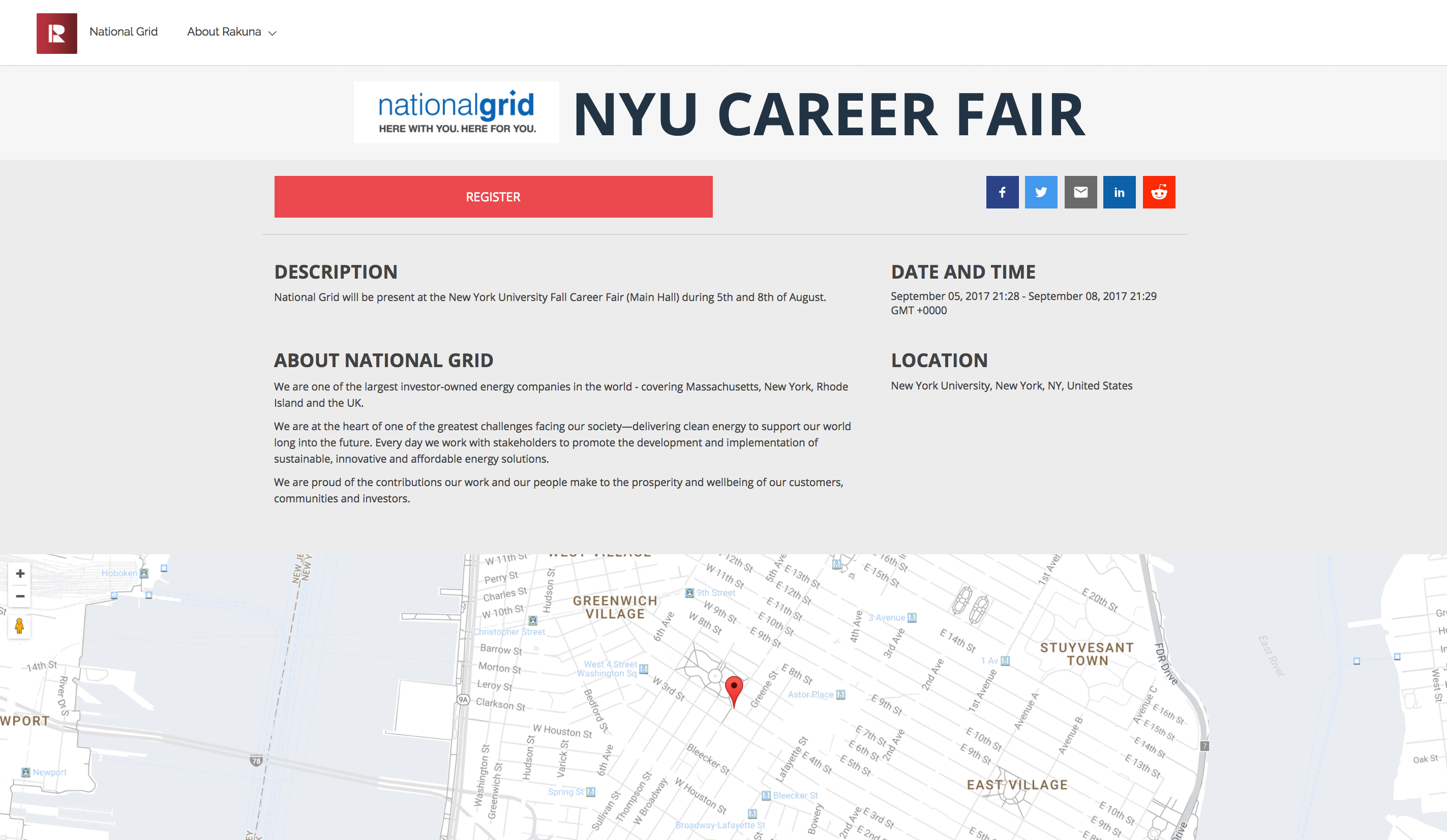
The “Pre-event Registration Link” feature (sometimes also referred to as “Pre-Event Check-in”) offered on the Web Dashboard allows companies to share registration link and let prospective candidates check-in and upload their resumes before the event starts.
After an Event is created, a Pre-Event Registration link will be automatically generated for that event. The link is publicly accessible and does not require login.
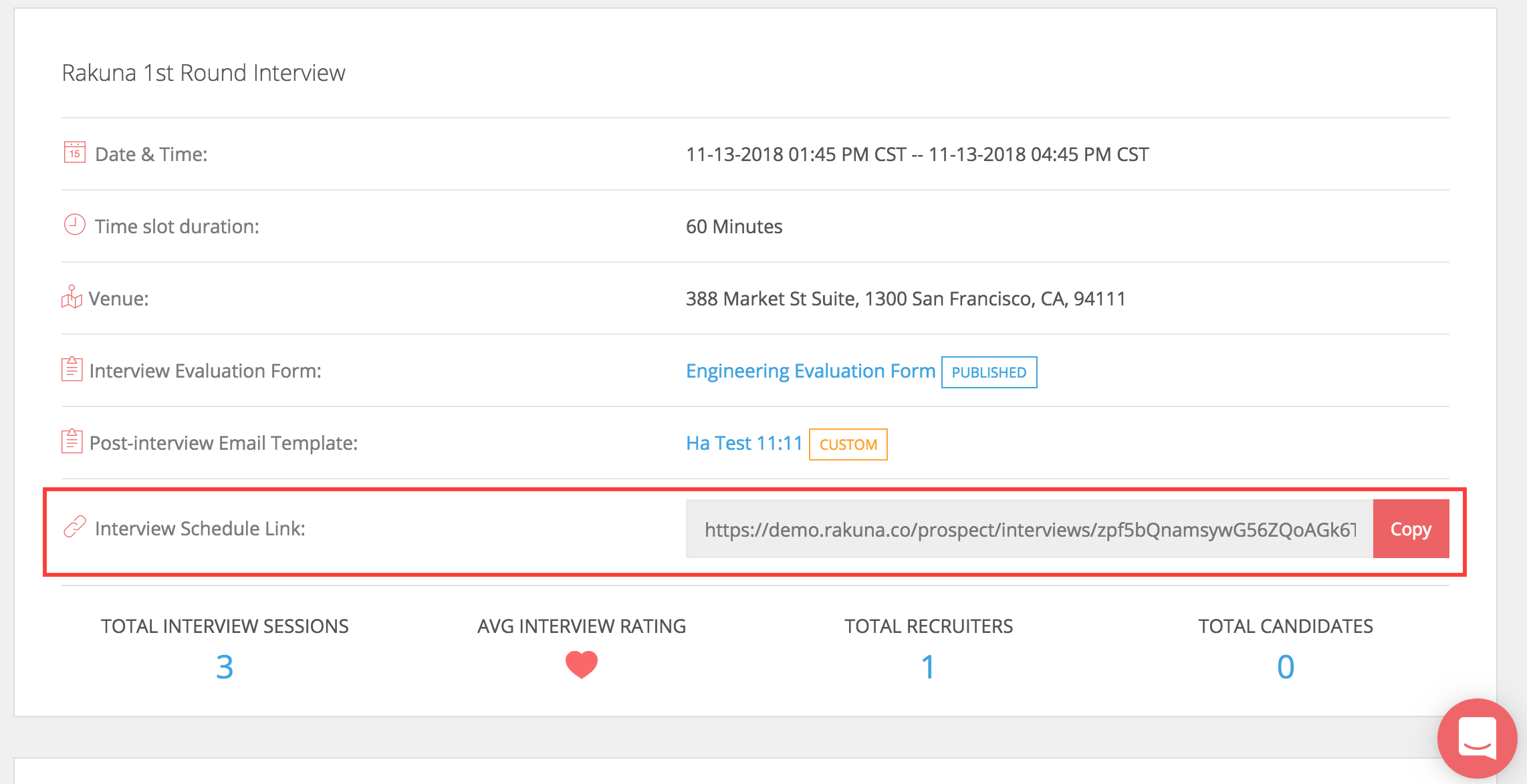
The Recruiting Coordinator can copy the Interview Schedule Link and integrate into their own event page.
How do I see pre-event check-in candidates?
- Go to “Event”
- Click open the event you would like to see the candidates
- Click the hyperlinked number under “Total interactions” to view a list of all candidate
- Click the candidate’s name to see their detailed profile