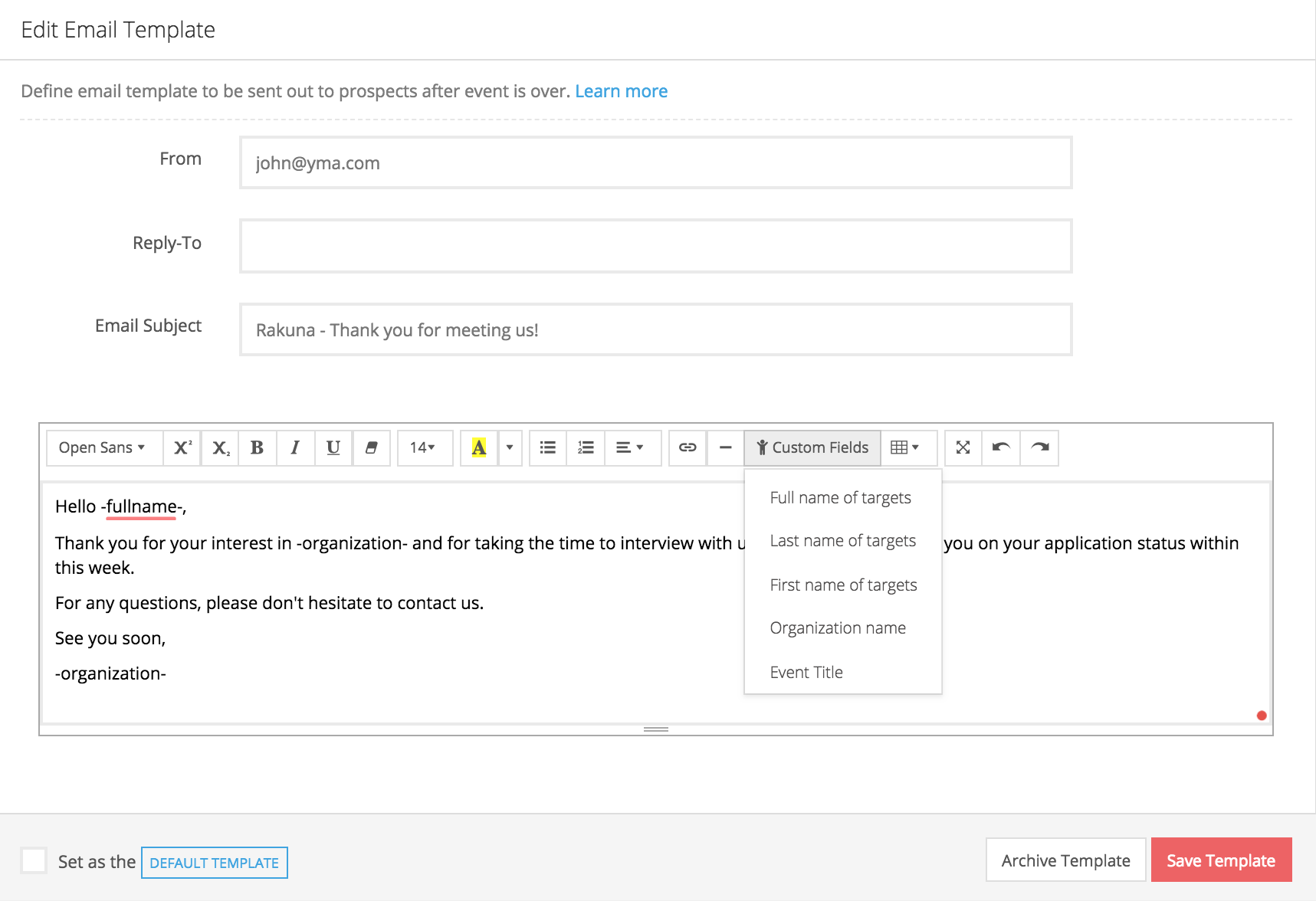
Create a Post-Interview Email Template
With the Post-interview Email Template, recruiter can generate and send automated customized emails to candidates post-interview, thus save time and increase efficiency.
- Go to "Messaging"
- lick “New Template” to create a new post-interview email template
- Fill in “From,” “Reply-To,” “Email subject,” and “Email content.” In the “Email Content” section, utilize “Custom Fields” to automatically generate candidate’s information per email (First name, Last Name, Organization Name, Event Title)
- Click “Save Template” to save template