Messaging Status
How do I view the messaging status?
What do Bounce, Delivered, Open and Click mean?
Messaging Status allows the interviewer to view the recipient’s interaction with his/her email, via four (4) categories: Bounce, Delivered, Open, Click.
How do I view the messaging status?
- Go to “Event”
- Click the number of Total Interactions
- Find the messaging status in the “Messaging” column
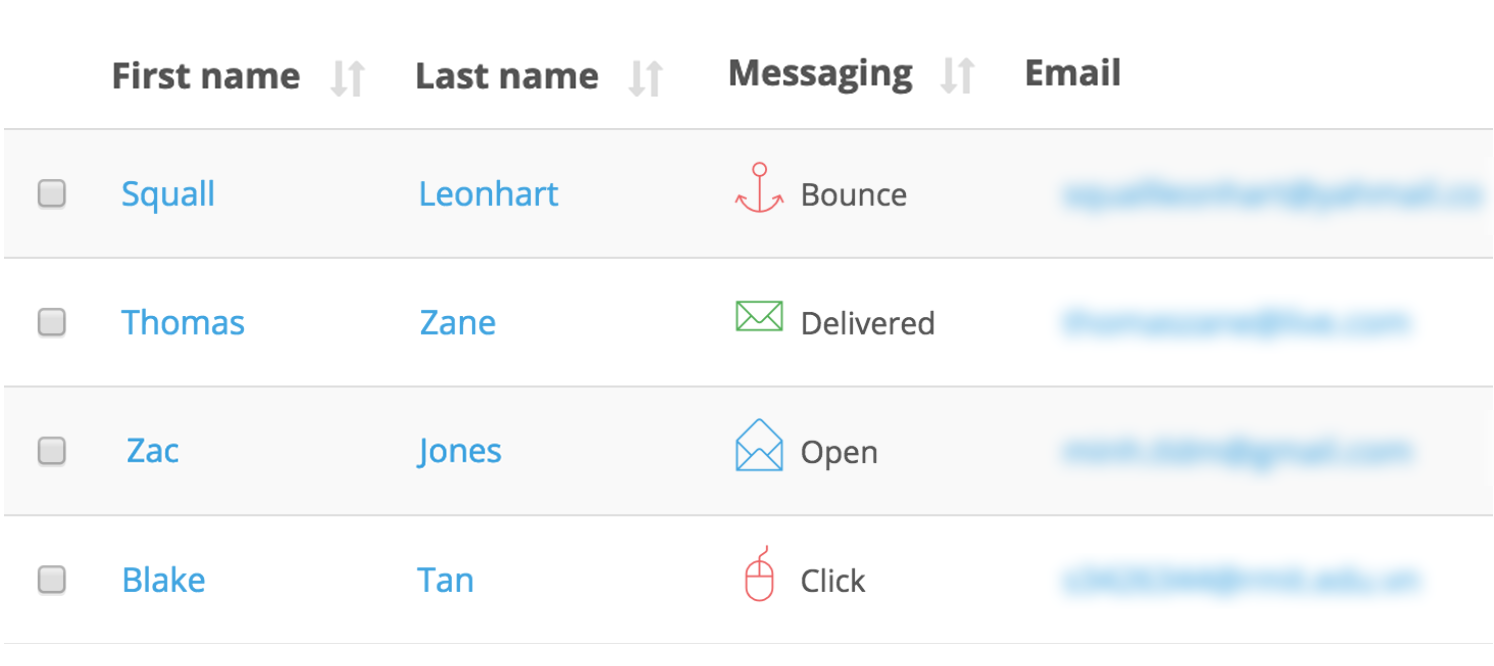
What do Bounce, Delivered, Open and Click mean?
- Bounce: Recipient’s server could not accept the incoming email (eg: invalid email address, mailbox over quota etc.). Rakuna will try to resend the messaging email.
- Delivered: Your messaging email has been successfully delivered to the candidate.
- Open: Candidate has opened/read your email.
- Click: The pinnacle of email engagement is the click. Your call to action, whether it is to ask candidates to apply on your ATS, or sign up on your Talent Network. If your email has a hyperlink, Rakuna can track if the recipient clicks on the link and visits your website.