Capture a New Candidate
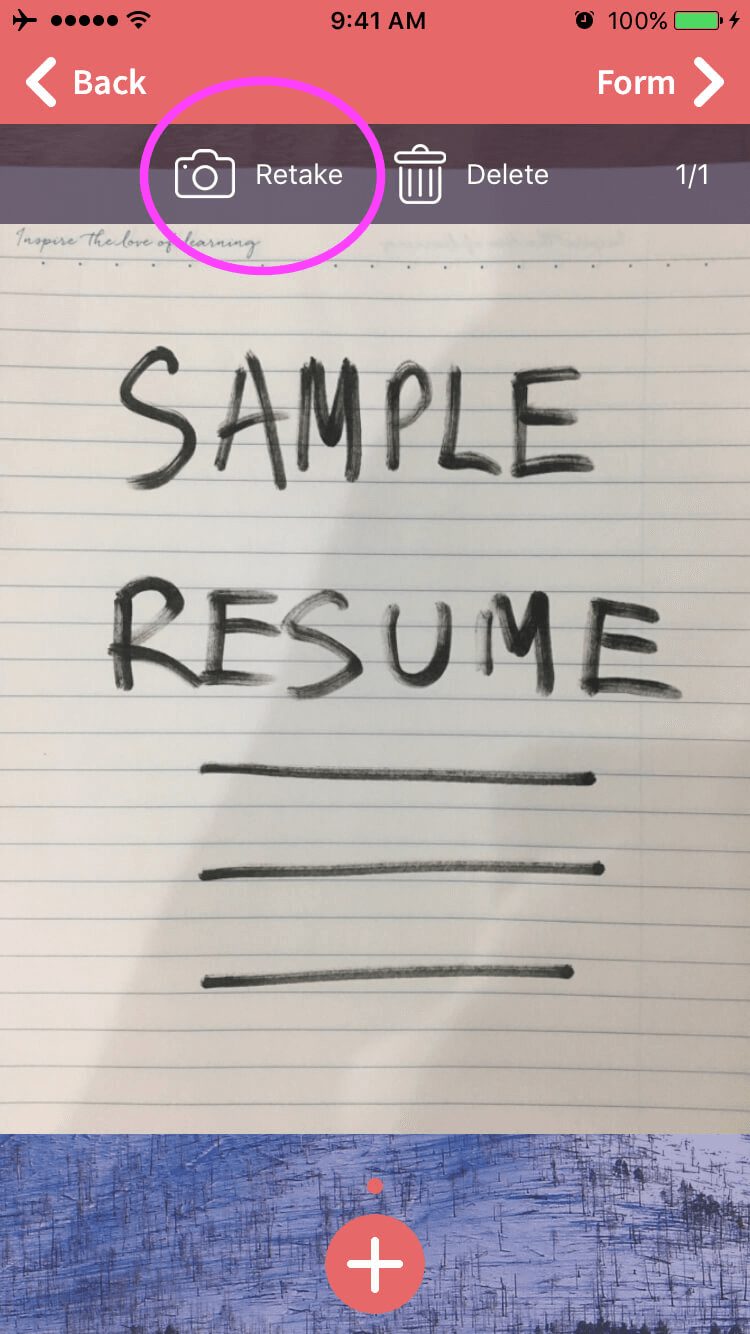
I accidentally took a picture of my dog instead of the candidate’s resume, can I edit the snapshot?
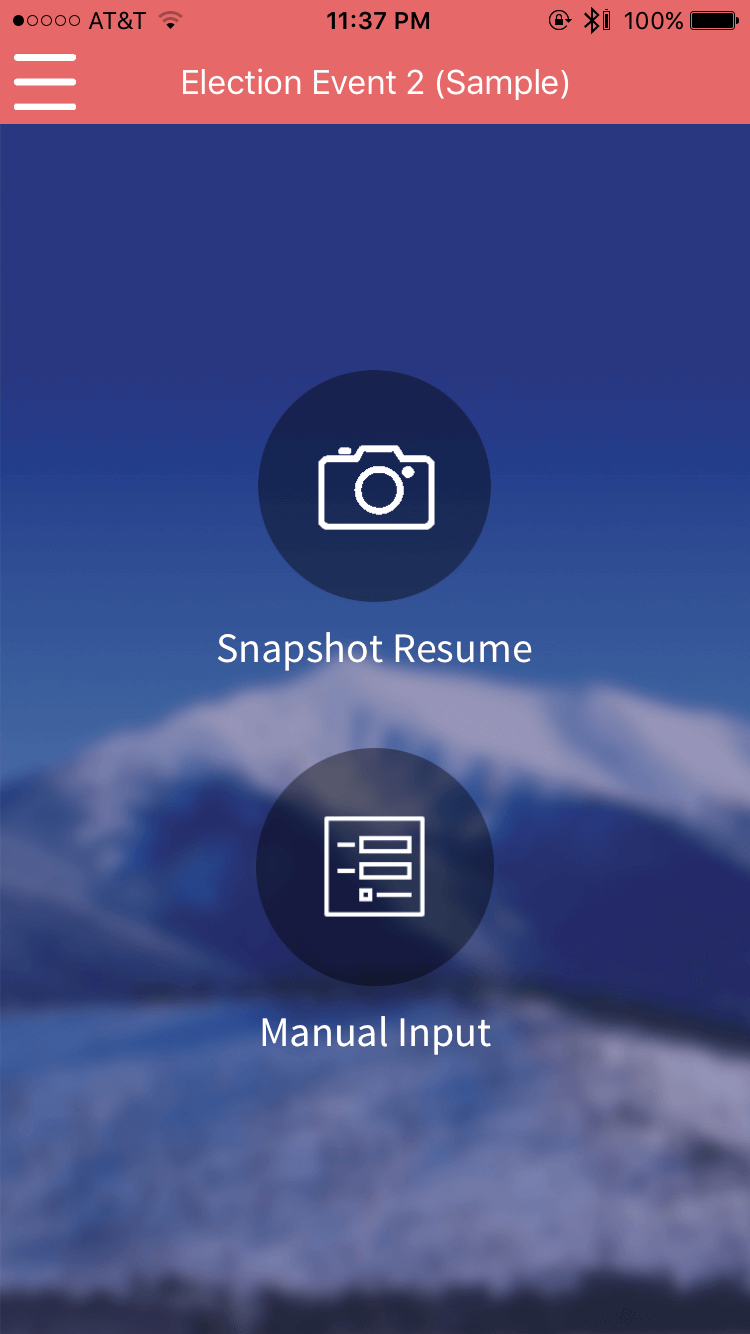
On your Mobile app, after choosing your event, you have two options of creating a new candidate’s profile: (1) Snapshot Resume or (2) Manual Input.
- “Snapshot Resume” allows you to take a picture of the candidate’s resume and fill in information using OCR technology.
- “Manual Input” allows you to create a candidate’s profile by typing in the candidate’s name, email address, and phone number if the candidate does not have a resume present. From there, you can add other information by filling out the rest of the event-specific form’s questions.
In case the resume of a candidate contains more than 1 page, Rakuna Recruit mobile app can take up to 4 pages of resume per candidate.
I accidentally took a picture of my dog instead of the candidate’s resume, can I edit the snapshot?
Yes. On the screen with the snapshot, hit the button “Retake” take a new snapshot. Don’t forget to tap “Next” and then “Done” to save your changes.